Appearance
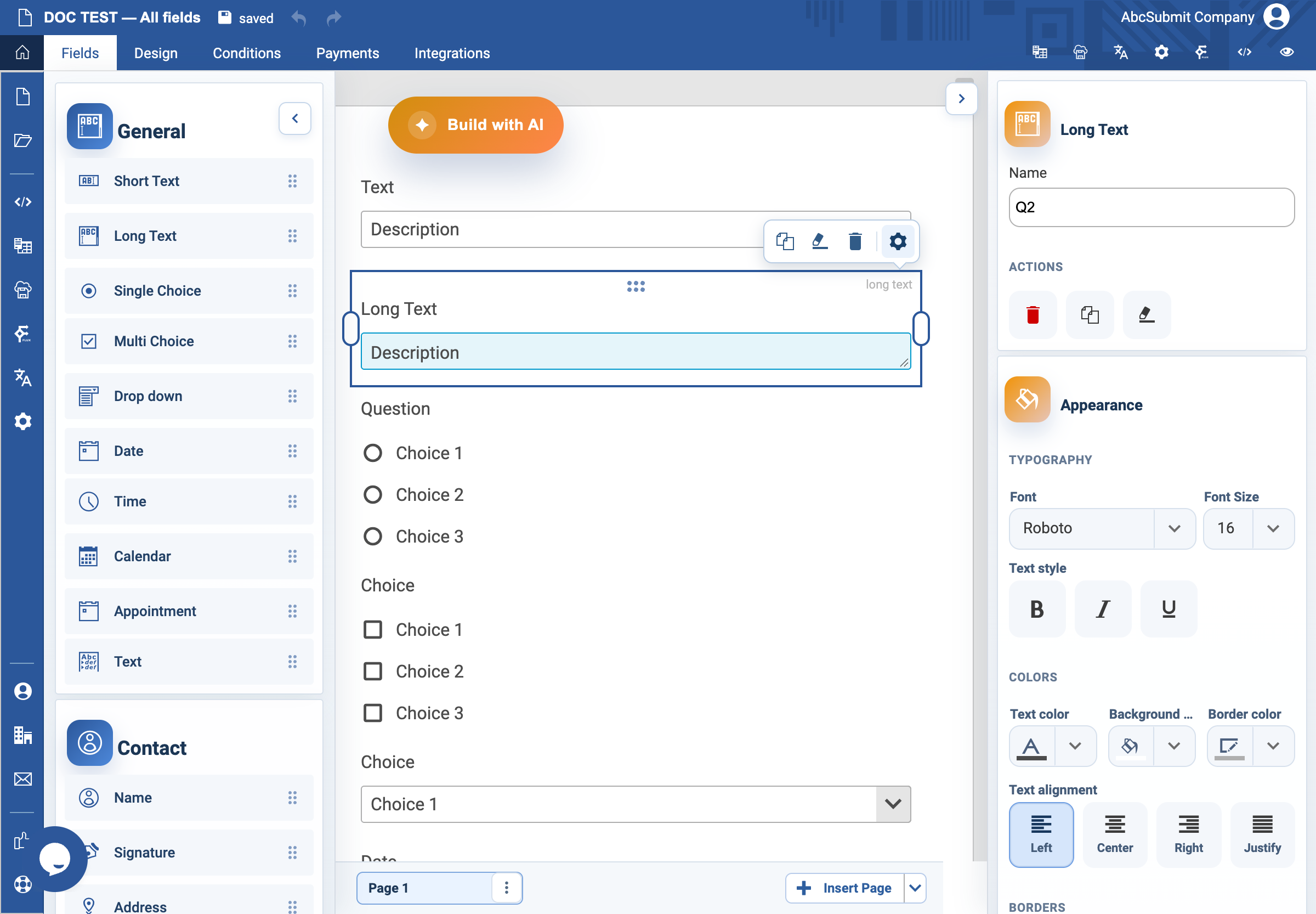
Long Text field
Use Long Text for an explanation or multi-sentence answer.
Example: issue description
- In Fields > General, select Long Text.
- Select the field and open Edit.
- Set the label to
Describe the issueand Name toissue_description. - Select the placeholder text and enter
Include what happened, when it started, and what you expected instead. - Turn on Required Field only if a description is necessary to process the request.
- Set Max length only when a receiving process has a real limit; state that limit in the visible prompt.
- Add the custom error
Describe the issue before submitting. - Preview and submit a realistic, non-sensitive test answer.
Settings
Long Text uses the standard Label, Name, Required Field, Unique Value, validation, custom-error, and appearance controls. Its defining behavior is a multi-line response area. Do not put essential instructions only in the placeholder because it disappears when typing.