Appearance
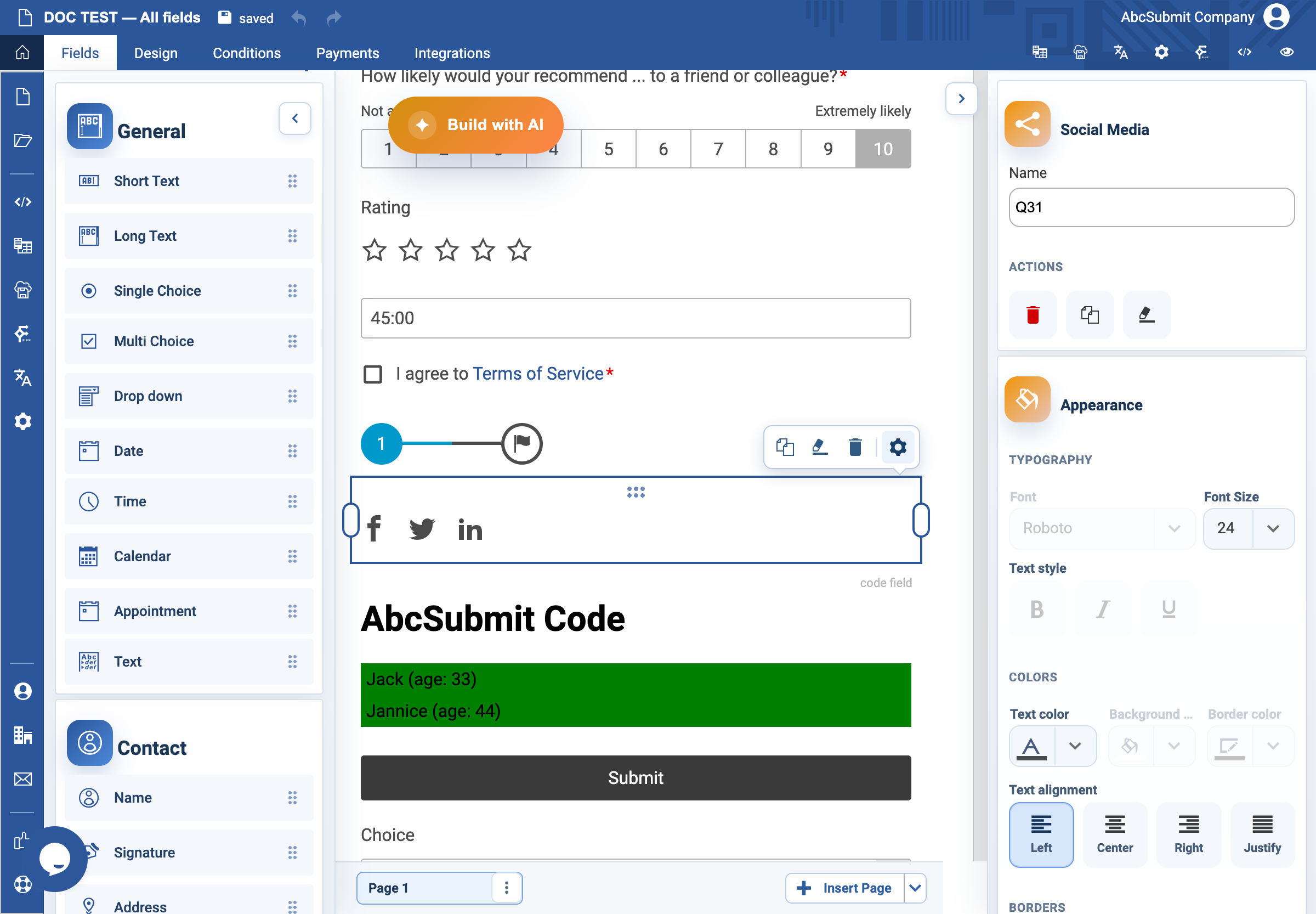
Social Media field
Use Social Media only when it is appropriate for respondents to share the form publicly.
Example: share a public event registration
- Select Fields > Other > Social Media.
- Open Edit and choose Configure Networks.
- Enable only the networks the organization actively supports.
- Select Share Picture and use an approved public image that represents the form accurately.
- Publish or use a safe public test URL, then test sharing from each selected network.
Expected result
The shared link and preview image accurately represent a form intended for public access. Do not add sharing to a private or internal form.