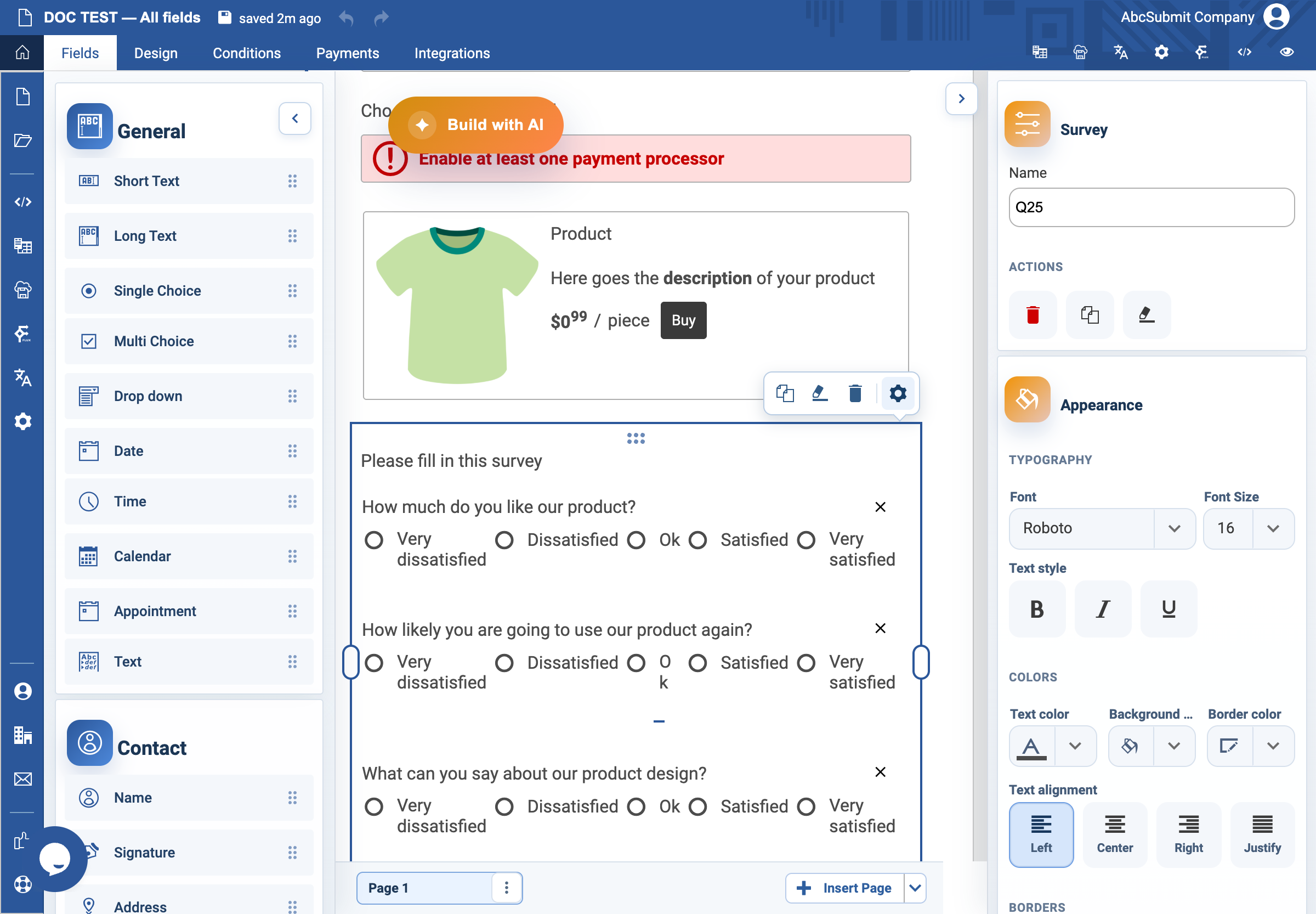
Appearance
Survey field
Use Survey for several statements answered against the same response scale.
Example: onboarding feedback matrix
- Select Fields > Survey > Survey.
- Open Edit and set the label to
Please rate the following aspects of onboarding. - Add one focused Survey question per row, for example
The welcome information was clearandI knew where to ask for help. - Add balanced Scale choices, such as
Strongly disagree,Disagree,Neither agree nor disagree,Agree, andStrongly agree. - Turn on Inline choices for a compact matrix with column headings. Turn it off when choices need more space on narrow screens.
- Preview on desktop and mobile. Verify every row and column label remains understandable.
Expected result
Each statement can receive one response from the same, clearly ordered scale. Keep every statement about one idea so results are interpretable.