Appearance
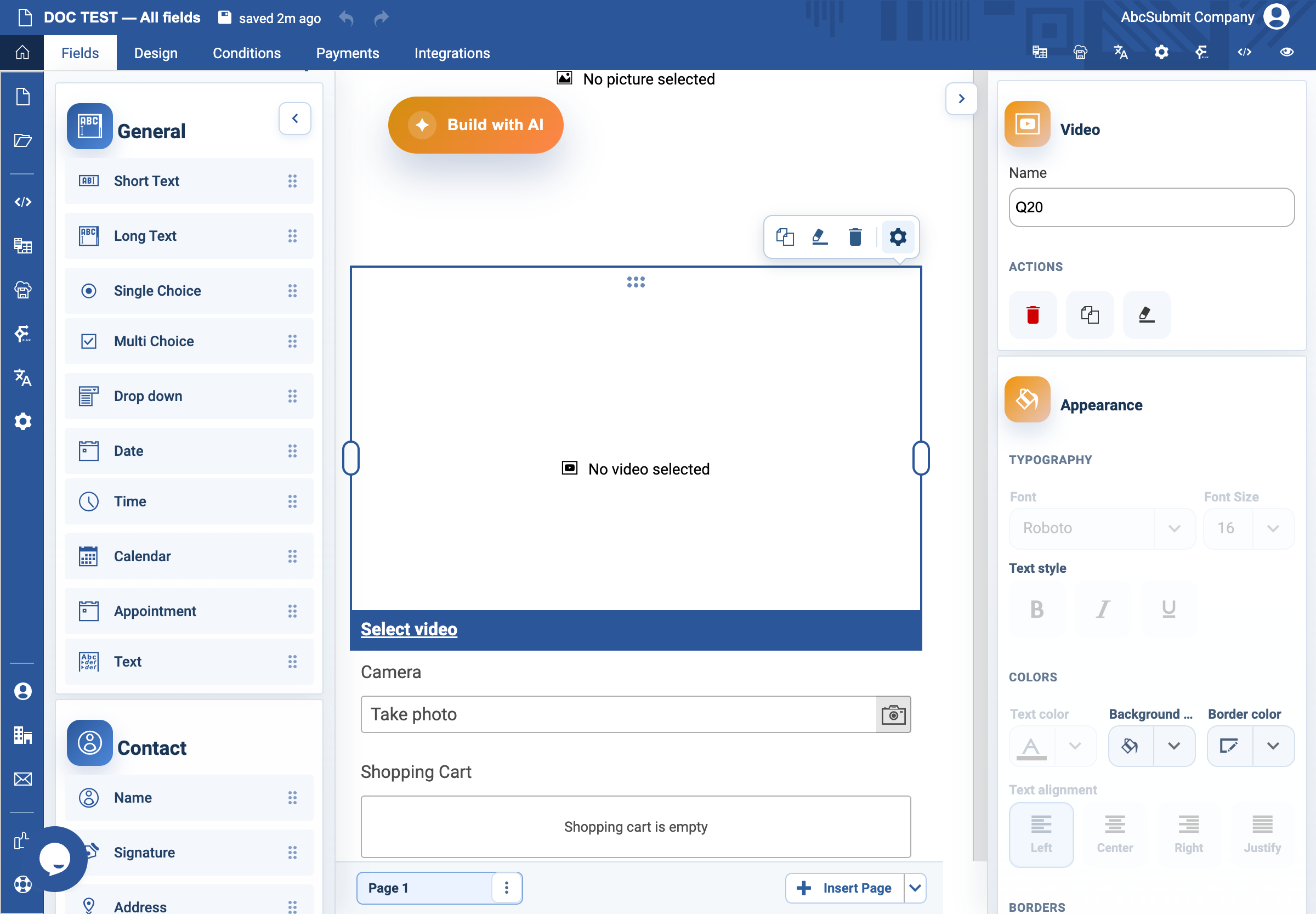
Video field
Use Video to embed an approved instructional or informational video.
Example: optional instruction video
- Add or select the Video field and open Edit.
- Configure the video source using the form’s video/source control.
- Leave Auto play on load off unless playback at page load is essential and has been accessibility-tested.
- Leave Restart on end (loop) off for a normal instruction. Turn it on only for a short, intentional loop.
- Add nearby text covering every instruction needed to complete the form.
- Preview on desktop and mobile. Start, finish, and replay the video as a respondent would.
Expected result
The video loads from the approved source and does not prevent completion if a respondent cannot play audio or video.