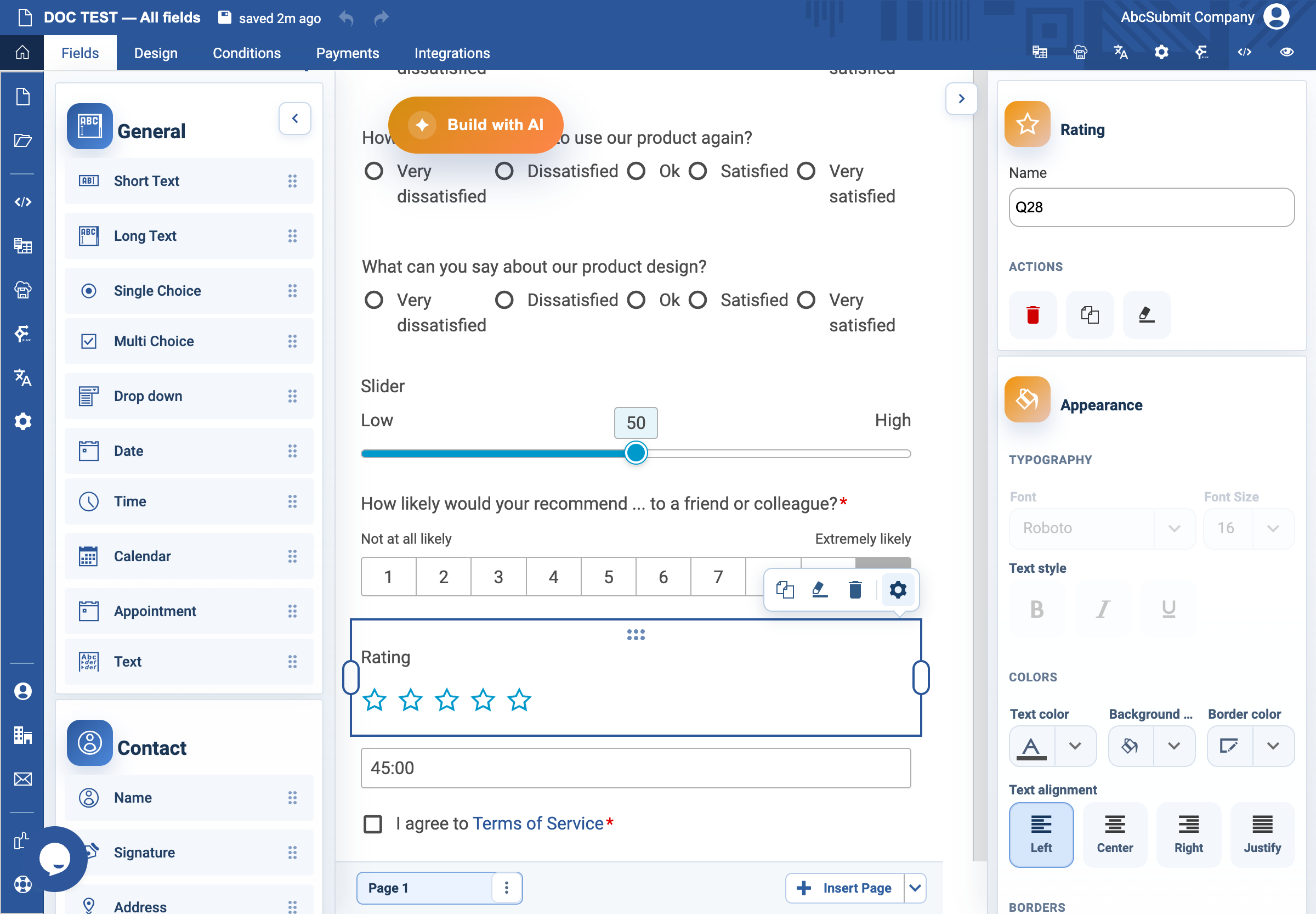
Appearance
Rating field
Use Rating for a quick five-star evaluation.
Example: instructions rating
- Select Fields > Survey > Rating.
- Open Edit and set a specific label, for example
How would you rate the clarity of the installation instructions?. - Configure general field settings such as Required Field and a custom validation message if applicable.
- Add an optional Long Text follow-up when you need the reason behind the rating.
- Preview, select one and five stars, and submit with a missing value if the field is required.
Expected result
The respondent can choose a star rating and sees a meaningful question rather than a generic request to rate the organization.