Appearance
Slider field
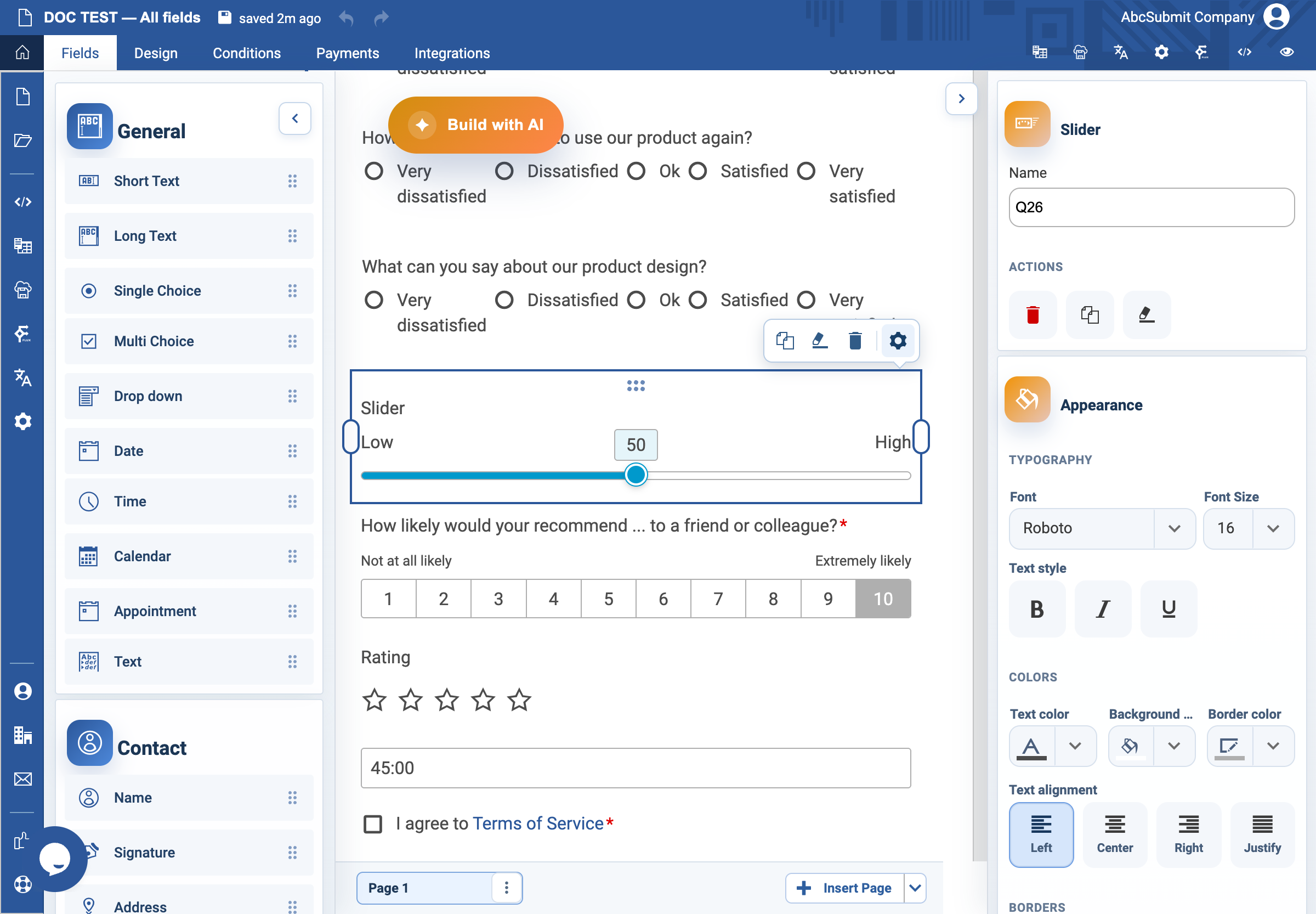
Use Slider for a numeric or ordered response on a visible range.
Example: service-ease score
- Select Fields > Survey > Slider.
- Open Edit and set the label to
How easy was it to complete your request?. - Set Start label to
Very difficultand End label toVery easy. - Set Minimum value to
0, Maximum value to10, and Step size to1. - Leave Default value empty for an opinion question so the form does not preselect an answer.
- Leave Is price off unless this slider intentionally adds an amount to the shopping cart; then test it through payment.
- Preview and confirm the endpoints, keyboard movement, and selected value are all clear.
Expected result
Respondents select only values within the configured range and understand what each end of the scale means.