Appearance
Payment Processor field
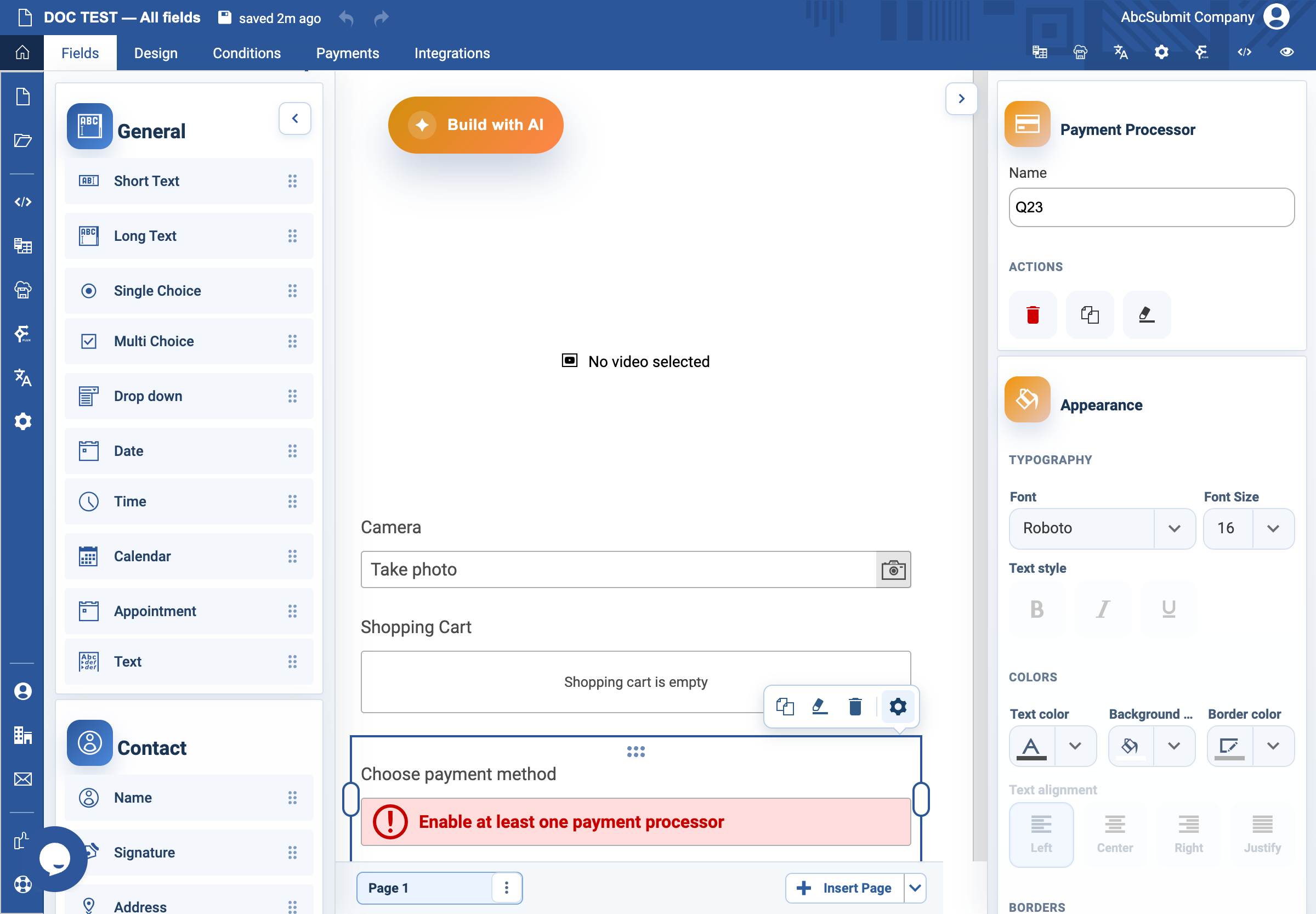
Use Payment Processor to offer active configured payment gateways in a form.
Example: select an approved test gateway
- In the account’s Payments area, configure at least one approved gateway and confirm the default. Do not use production credentials for testing.
- Select Fields > Other > Payment Processor.
- Place it after the cart or on the final payment page.
- Set a helpful empty-state message if no active payment gateway will be available.
- Run the full form with the gateway’s safe test mode: complete payment, cancel it, make it fail, and inspect the receipt/notification/unpaid-submission behavior.
Expected result
The respondent can select an active gateway and the form handles success, cancellation, and failure according to the configured payment policy.